
I was using smartphones before the term even existed. My first pocket computer was an HTC Diamond with Windows Mobile and stylus operation. Not everything was perfect, but there are some things I miss to this day.
Since then, I have held many smartphones in my hand and also used them myself. I currently use an Apple device, but before that I had Android devices. In between, a very short excursion to webOS and then of course also Sailfish OS. All systems had something going for them and over the last 16 years you can see how fundamental functions are establishing themselves.
While pure gesture control on the Jolla smartphone with Sailfish OS or webOS was still extremely innovative, today it is standard. In some cases, it is still not as well implemented as with Sailfish OS, but it is intuitive enough. And if we’re being honest, the differences in the look and feel between Android and iOS are no longer that great. For me, iOS is still ahead, especially when it comes to consistency, but the concepts are very similar.
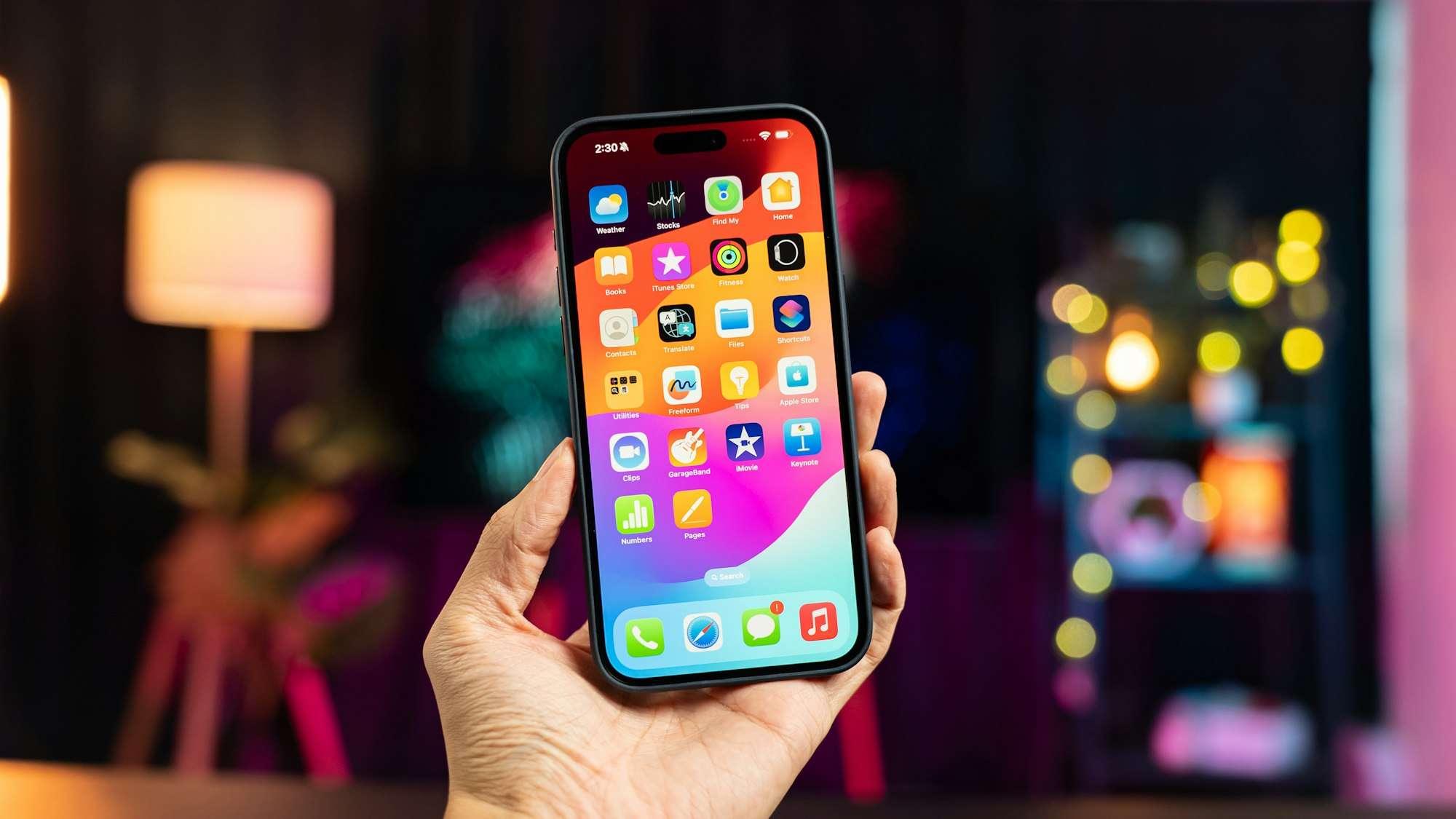
And that’s where the problem lies for me. Home screen with apps and widgets, a dock at the bottom, a status bar at the top. Pull down quick settings on the right, notifications on the left. On Android, maybe an app drawer, and that’s it. But even after 16 years of smartphones, I don’t feel like this concept suits me.
Want a few examples? I almost never use the app icons. I tap on search, type 1-3 letters, and select the app. At most, I open a few frequently used apps via the icon on the homescreen. But that’s only because I have notifications there. These are my second annoyance. Why are they hidden? I would prefer to have them on the homescreen itself as a list.
Why? I control my notifications very precisely. Which app is even allowed to send me notifications? Which notifications should it send me? Sometimes even when. And then they are simply hidden behind a swipe. Yet the notifications are the reason I take my smartphone out of my pocket. I want exactly that information, that’s why it’s active. And then interact with it directly. Well, hidden… And for me, unfortunately, it’s: out of sight, out of mind.
I’m not so sure, but I think with Windows Mobile you had the notifications on the main screen. Okay, there were hardly any apps that sent notifications. But emails, appointments, and messages were definitely directly visible there. I miss that.
Leave a Reply